
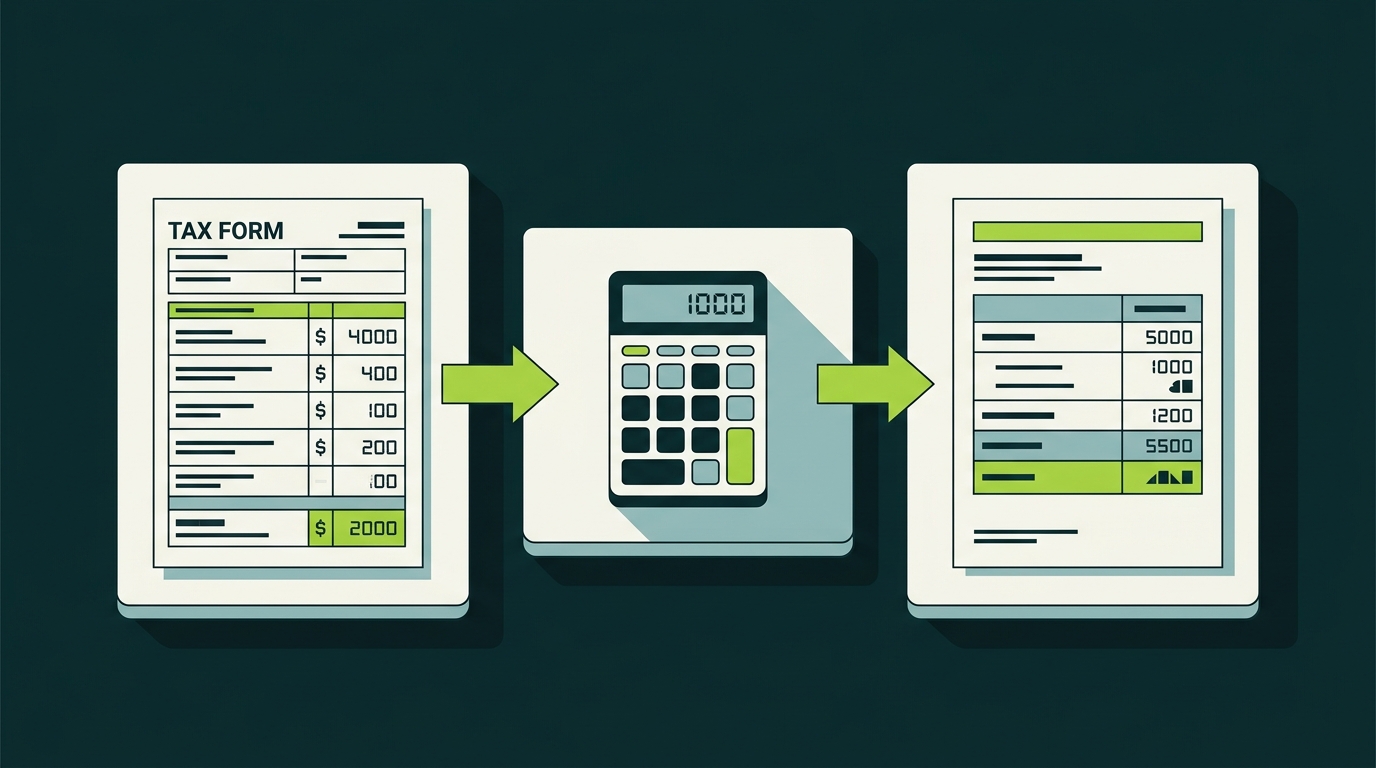
Start with our Form 8949 for crypto reference guide for the form’s fields, reporting categories, and adjustment rules. This step-by-step article shows how to apply those rules to every crypto sale or disposition, then move the totals to Schedule D to calculate your net capital gains or losses.
If you sold, traded, or disposed of any cryptocurrency during the tax year, you are required to report these transactions on both forms. That includes swapping one token for another, selling crypto for USD, spending crypto on goods or services, and receiving liquidation distributions.
For a broader overview of crypto tax obligations, see our Complete Crypto Tax Guide for 2026. Our crypto tax compliance guide covers the recordkeeping and IRS reporting rules behind these forms.
Step 1: Gather Your Transaction Data
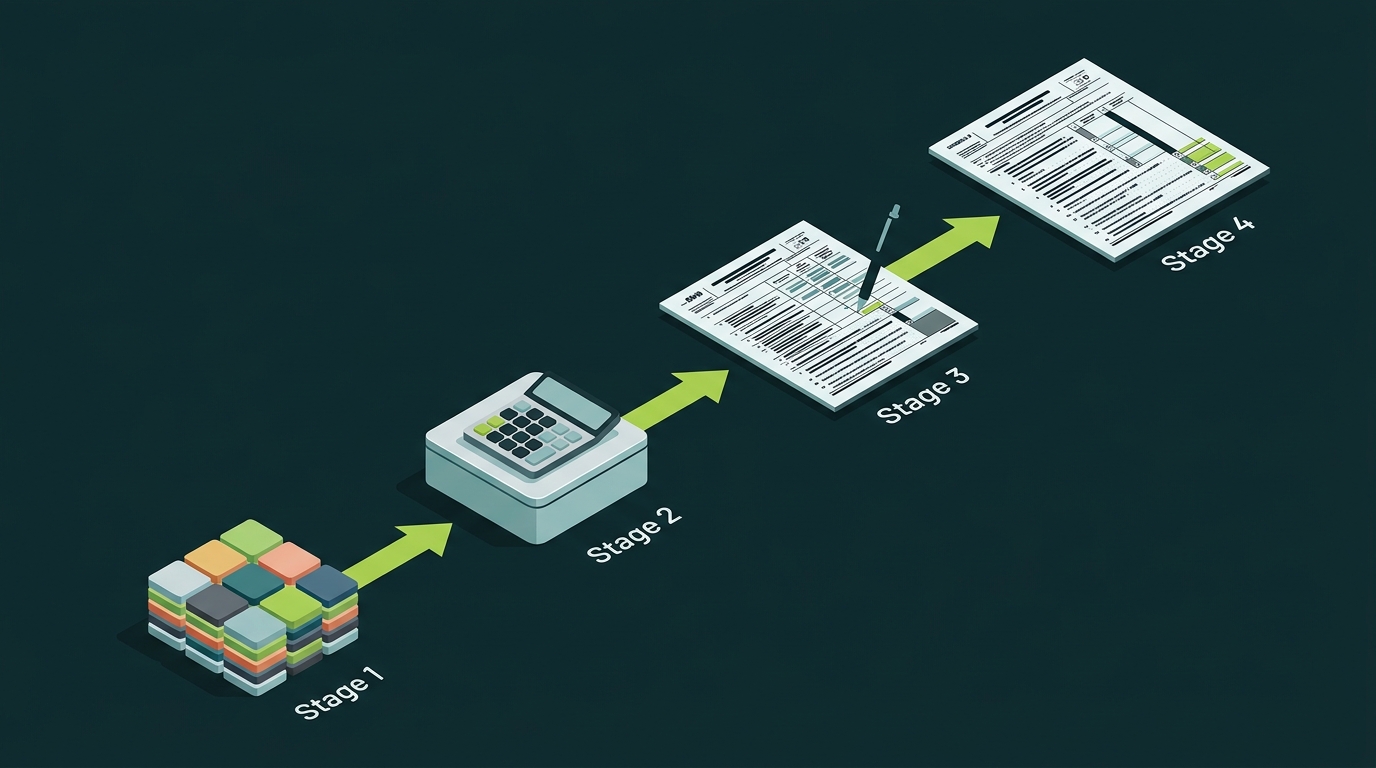
Before you touch any tax forms, you need a complete record of every crypto transaction from the tax year. This includes:
- Buys and sells on centralized exchanges (Coinbase, Kraken, Gemini)
- Token swaps on decentralized exchanges (Uniswap, SushiSwap)
- Crypto-to-crypto trades (e.g., trading ETH for SOL)
- Spending crypto on purchases
- Receiving crypto as income (staking rewards, mining, airdrops)
- Liquidation events and margin calls
For each transaction, you need five pieces of information:
- Description of the asset (e.g., “2.5 BTC”)
- Date acquired (when you originally received or bought it)
- Date sold or disposed of
- Proceeds (fair market value in USD at the time of sale)
- Cost basis (what you originally paid in USD, including fees)
Most centralized exchanges provide transaction history exports. For DeFi activity, you will need to pull data from blockchain explorers or use crypto tax software that tracks on-chain transactions automatically.
Step 2: Fill Out Form 8949
Form 8949 has two sections. Part I covers short-term transactions (assets held one year or less). Part II covers long-term transactions (assets held longer than one year).
Choosing the Correct Box (A-L)
At the top of each part of Form 8949, you must check the appropriate box based on whether the transaction is short-term or long-term, whether it involved digital assets, and whether the transaction was reported to the IRS.
Transactions on Form 1099-B
- Short-Term (Part I)
- Box A: Basis reported to the IRS
- Box B: Basis not reported to the IRS
- Box C: Proceeds were not reported to the IRS on any form
- Long-Term (Part II)
- Box D: Basis reported to the IRS
- Box E: Basis not reported to the IRS
- Box F: Proceeds were not reported to the IRS on any form
Digital Asset Transactions on Form 1099-DA
- Short-Term (Part I)
- Box G: Form 1099-DA received and basis reported to the IRS
- Box H: Form 1099-DA received but basis not reported
- Box I: Transactions not reported on Form 1099-DA or 1099-B
- Long-Term (Part II)
- Box J: Form 1099-DA received and basis reported to the IRS
- Box K: Form 1099-DA received but basis not reported
- Box L: Transactions not reported on Form 1099-DA or 1099-B
If you have transactions that fall under different boxes, you will need separate Form 8949 pages for each box category.
Walkthrough Example
Let’s say you made two crypto sales during the year:
Transaction 1 (Short-Term): You bought 1 ETH on March 15, 2026, for $2,400. You sold it on August 10, 2026, for $3,100. Your exchange reported both proceeds and basis on a 1099-DA.
Transaction 2 (Long-Term): You bought 0.5 BTC on January 5, 2025, for $21,000. You sold it on April 20, 2026, for $28,500. Your exchange reported proceeds but not cost basis.
Here is how these appear on Form 8949:
Part I (Short-Term), Box A checked:
| (a) Description | (b) Date Acquired | (c) Date Sold | (d) Proceeds | (e) Cost Basis | (g) Adjustments | (h) Gain or Loss |
|---|---|---|---|---|---|---|
| 1 ETH | 03/15/2026 | 08/10/2026 | $3,100 | $2,400 | $0 | $700 |
Part II (Long-Term), Box B checked:
| (a) Description | (b) Date Acquired | (c) Date Sold | (d) Proceeds | (e) Cost Basis | (g) Adjustments | (h) Gain or Loss |
|---|---|---|---|---|---|---|
| 0.5 BTC | 01/05/2025 | 04/20/2026 | $28,500 | $21,000 | $0 | $7,500 |
Column (g) is for adjustments. You would use this column if you need to report wash sale disallowed losses, adjust for fees not included in basis, or reconcile discrepancies from a 1099-DA. Enter the adjustment code in column (f).
Step 3: Transfer Totals to Schedule D
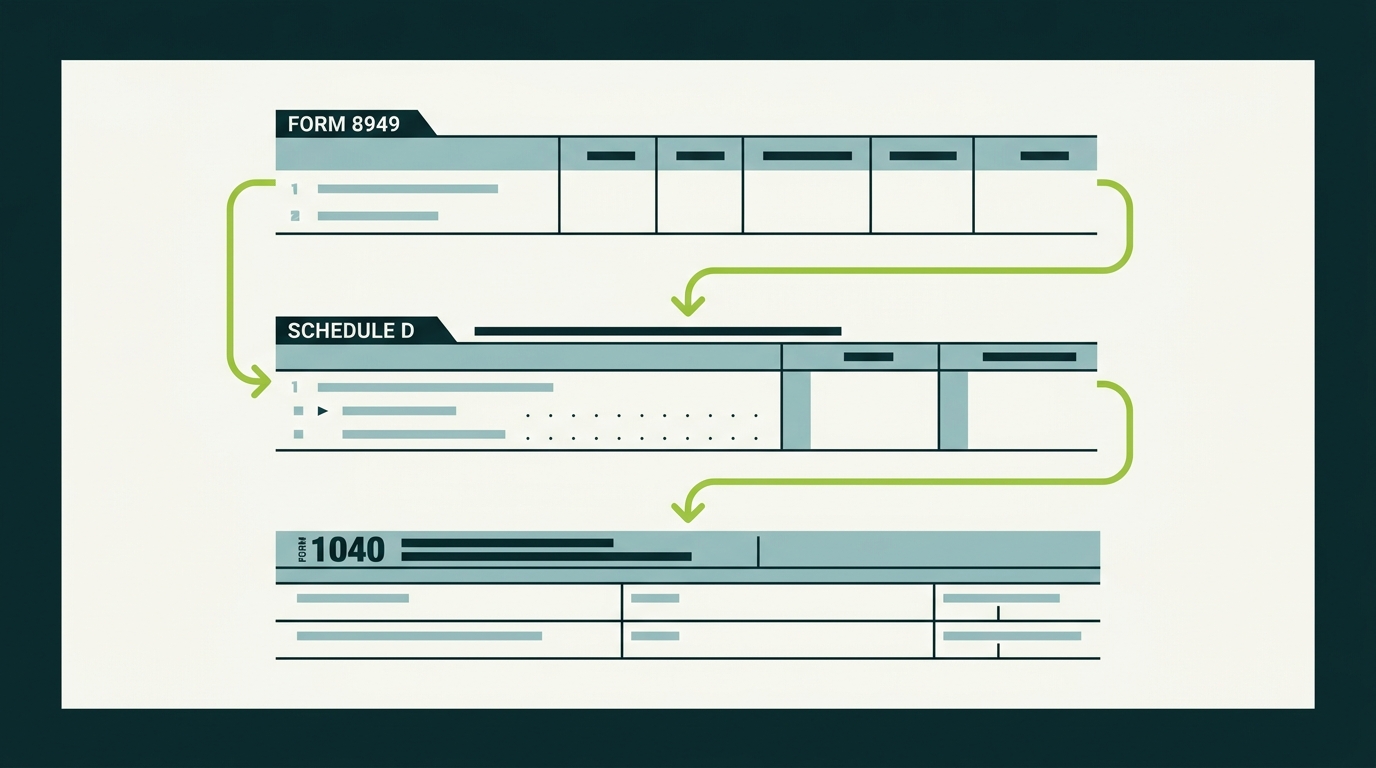
Once Form 8949 is complete, transfer the totals to Schedule D (Form 1040):
- Part I of Schedule D (lines 1-7) receives your short-term totals from Form 8949 Part I.
- Part II of Schedule D (lines 8-14) receives your long-term totals from Form 8949 Part II.
Using our example above:
- Line 1b (Short-Term, Box A): Proceeds $3,100 | Cost $2,400 | Gain $700
- Line 8b (Long-Term, Box B): Proceeds $28,500 | Cost $21,000 | Gain $7,500
Schedule D then calculates your net short-term gain or loss (line 7) and net long-term gain or loss (line 15). These flow to your Form 1040.
The distinction matters for your tax bill. Short-term gains are taxed at your ordinary income rate (up to 37%). Long-term gains are taxed at preferential rates of 0%, 15%, or 20%, depending on your income.
Step 4: Don’t Forget Schedule 1 and Schedule C
Form 8949 and Schedule D only cover capital gains and losses from selling or trading crypto. Other crypto income goes on different forms:
- Staking rewards, mining income, and airdrops: Report as ordinary income on Schedule 1 (line 8z) or Schedule C if you operate as a business.
- Crypto received as payment for services: Report on Schedule C (self-employment) or as wages on your W-2 if your employer pays you in crypto.
- Hard fork tokens: Taxable as ordinary income at fair market value when received.
The cost basis for these income items becomes the fair market value at the time you received them. When you later sell that crypto, you report the capital gain or loss on Form 8949 using that basis.
Using Crypto Tax Software
Manually filling out Form 8949 is feasible if you made a handful of trades. For most active crypto users, software is essential.
Popular crypto tax tools include:
- CoinTracker: Integrates with 300+ exchanges and wallets. Generates IRS Form 8949 and supports direct TurboTax import.
- Koinly: Supports DeFi, NFTs, and margin trading. Exports tax reports in multiple formats.
- CoinTracking: Advanced portfolio tracking with tax optimization features. Supports specific identification for lot selection.
These tools pull transaction data from your exchanges and wallets, calculate cost basis using your chosen method, identify short-term vs. long-term holdings, and generate a completed Form 8949 PDF or CSV.
TurboTax Integration
TurboTax Premier (and higher tiers) supports crypto tax filing. Here is the process:
- Open your TurboTax return and go to the Investment Income section.
- Select Cryptocurrency when asked about your income sources.
- Choose your crypto tax software provider from the integration list.
- Log into your crypto tax account and authorize the data transfer.
- TurboTax imports your transactions and populates Form 8949 and Schedule D automatically.
If your crypto tax software is not on the integration list, you can upload a CSV file in the TurboTax-compatible format. Most tools offer this export option.
Handling Hundreds of Transactions
If you made hundreds (or thousands) of crypto transactions in a single year, listing each one individually on Form 8949 can result in dozens of pages. The IRS allows an alternative approach.
You can attach a summary statement to your return. On Form 8949, enter “See attached statement” and include only the column totals (total proceeds, total cost basis, total adjustments, total gain or loss). Then attach a detailed spreadsheet or PDF listing every individual transaction.
Crypto tax software generates this automatically. The software creates both the summary totals for Form 8949 and the detailed attachment.
Adjusting for 1099-DA Discrepancies
Starting with the 2026 tax year, centralized exchanges are required to issue Form 1099-DA reporting your crypto dispositions. But these forms are not always accurate.
Common issues include:
- Missing cost basis: The exchange may not have your acquisition data if you transferred crypto in from another wallet. Under Rev. Proc. 2024-28, per-wallet basis tracking applies, and transfers between your own wallets must be documented carefully.
- Incorrect proceeds: The exchange might calculate fair market value at a slightly different timestamp than you expect.
- Duplicate reporting: If you transferred crypto between exchanges, both platforms might report the same asset.
When your records differ from the 1099-DA, report your correct figures on Form 8949. Use column (f) to enter the appropriate adjustment code and column (g) to show the adjustment amount. The IRS will see the 1099-DA and your return. If they do not match, you may receive a notice. Having documentation ready prevents problems.
If you receive an IRS letter (6173, 6174, or 6174-A) about unreported crypto activity, respond promptly with your records.
Common Mistakes to Avoid
Forgetting crypto-to-crypto trades. Swapping ETH for SOL is a taxable event. You must report the disposition of ETH at its fair market value at the time of the swap.
Using the wrong holding period. Assets held for exactly 365 days are still short-term. You need to hold for more than one year (at least 366 days) to qualify for long-term rates.
Ignoring gas fees. Transaction fees (gas) paid in crypto are deductible. They can be added to your cost basis when buying, or subtracted from proceeds when selling. Either way, they reduce your taxable gain.
Missing the checkbox. Each page of Form 8949 requires you to check Box A-L. If you mix transaction types on the same page, the IRS may reject or question your return.
Not reconciling with 1099-DA. If your exchange reported different numbers than what you file, expect an automated notice. Proactively include documentation explaining any discrepancies.
“The biggest mistake I see is investors who assume their exchange handles everything. Your exchange reports what it knows, but only you have the full picture across all platforms, wallets, and DeFi activity.” - Nick Slettengren, CountOnSheep
Bottom Line: What to Do Next
Filing crypto taxes comes down to a clear process. Gather your transaction data, fill out Form 8949 with every sale and trade, transfer totals to Schedule D, and report any crypto income on the appropriate schedules.
Crypto tax software makes the process dramatically easier, especially if you trade frequently or use DeFi platforms. If your situation involves complex transactions, 1099-DA discrepancies, or prior-year amendments, working with a specialist saves time and reduces risk.
Need help getting your crypto records filing-ready? CountOnSheep specializes in Digital Asset Reconciliation (DAR), a necessary step in your crypto tax preparation journey. We deliver clean inputs for your Form 8949, Schedule D, and Schedule 1 that you can file yourself through a leading tax platform or hand to your CPA to file. Book a consultation to get started.
Frequently Asked Questions
What is Form 8949?
Form 8949 is the IRS form used to report individual sales and dispositions of capital assets, including cryptocurrency. You list each crypto transaction with dates, proceeds, cost basis, and gain or loss.
What is Schedule D?
Schedule D summarizes your total capital gains and losses from Form 8949. It shows your net short-term and long-term gains, which flow to your Form 1040.
Do I need to list every crypto transaction on Form 8949?
Yes. Each individual sale, trade, or disposal must be listed on Form 8949 with the date acquired, date sold, proceeds, cost basis, and gain or loss.
Can I use TurboTax to file crypto taxes?
Yes. TurboTax Premier and higher support crypto tax filing. You can import transactions from crypto tax software like CoinTracker or Koinly directly into TurboTax.
What if I have hundreds of crypto transactions?
You can attach a summary statement to Form 8949 instead of listing each transaction individually. Include totals and reference the attached detail. Crypto tax software generates this automatically.